


Privacy
Review before sharing
Blurring can help limit the identifying details you share. Check the full file and the requirements that apply to your use.


AI separates the subject from the scene: blur the whole background or specific areas, then export. No download, no watermark.

365,403 photos and videos processed

AI keeps the subject sharp and masks the background — adjust the area and blur strength on the timeline.

Download a clean video with a professional background blur, ready to publish.
Review before sharing
Blurring can help limit the identifying details you share. Check the full file and the requirements that apply to your use.

Encrypted connections
HTTPS/TLS protects connections to Studio and file transfers.

Cloud infrastructure
Contact us for details about hosting and processing before uploading files with specific handling requirements.

Check your settings
Review the storage and deletion conditions for your plan and processing mode.
Yes. The free tier lets you test background blur on your clips before choosing higher limits — no watermark on exports.
Yes. The AI separates the person or object in focus from the scene and only blurs the background, frame by frame.
No. Everything runs online in your browser — it works from a computer, tablet, or phone without installing anything.
Yes. You can blur the whole scene or draw specific zones (a screen, a logo, a bystander) and the blur follows them.
MP4, MOV, and WebM are the most common formats in the studio.
Tools for editing photos and videos in your browser.
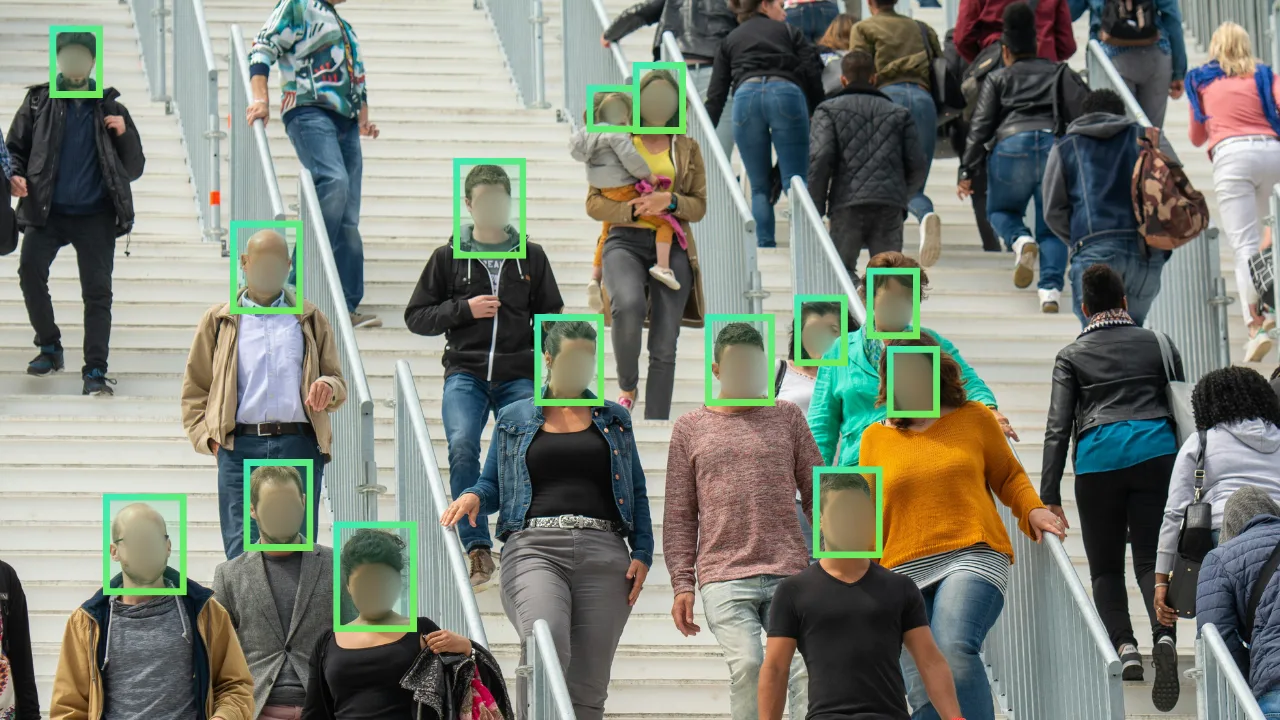
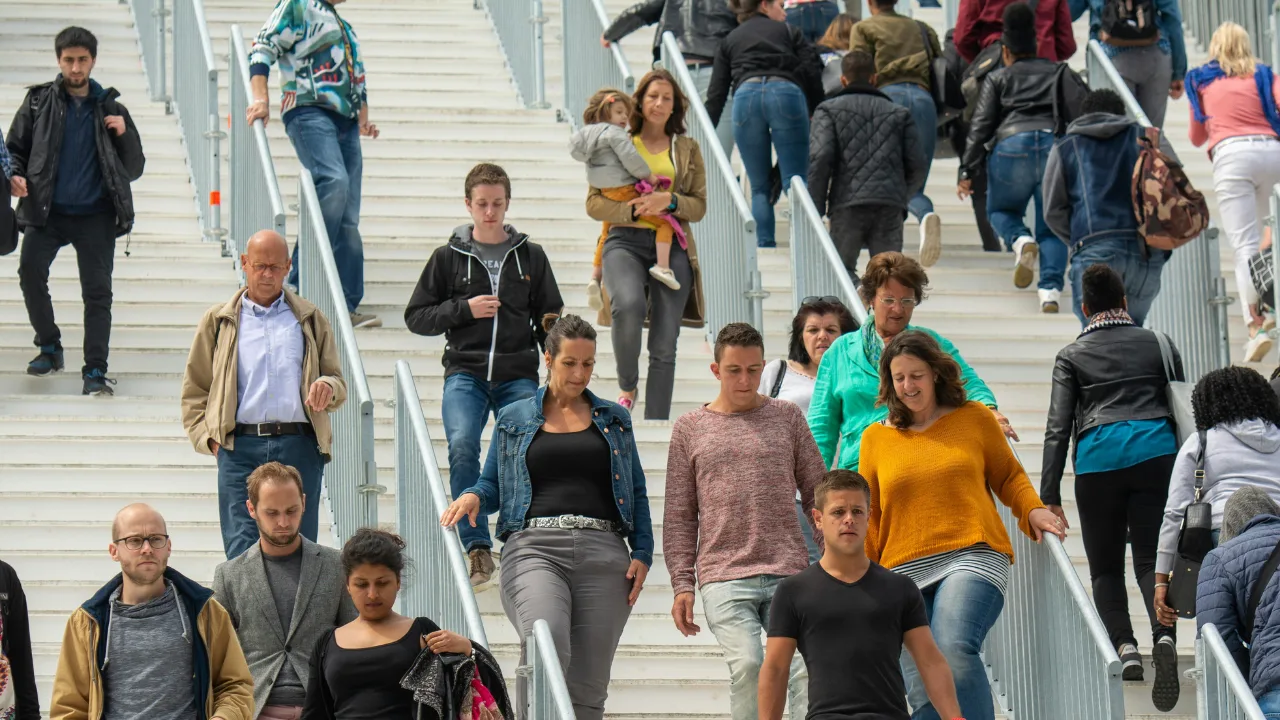 Before
Subject detection and background blur in one online tool.
Start for free


