
























Privacy
Review before sharing
Blurring can help limit the identifying details you share. Check the full file and the requirements that apply to your use.


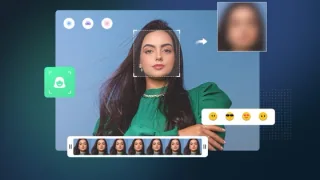
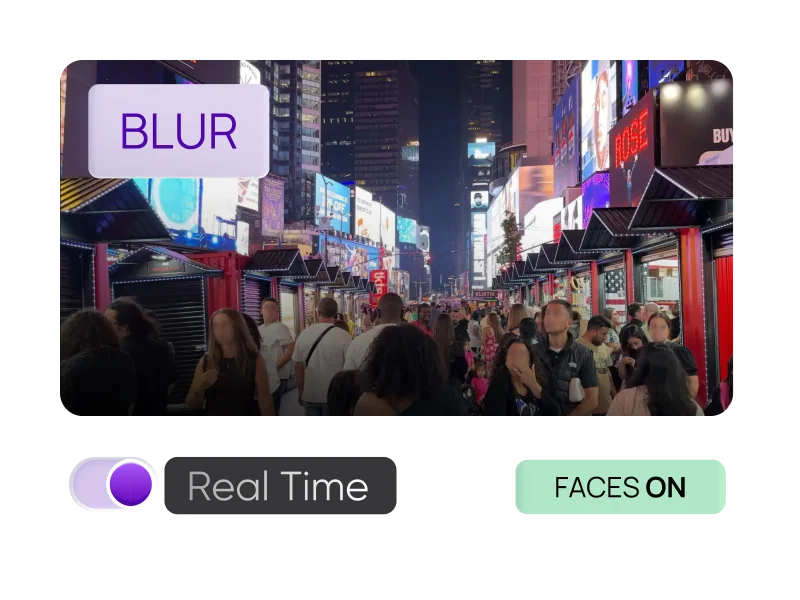
Detect and track faces in interviews, event footage, and social media videos. Review the tracking, adjust the blur, and export without a watermark. Free credits to get started.

365,403 photos and videos processed

Open your MP4, MOV or WebM file in YouBlur Studio. Work directly in your browser, with no software to install.

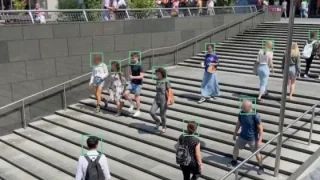
Let AI detect faces and follow them through the clip. Preview the result and adjust the mask on tricky frames.
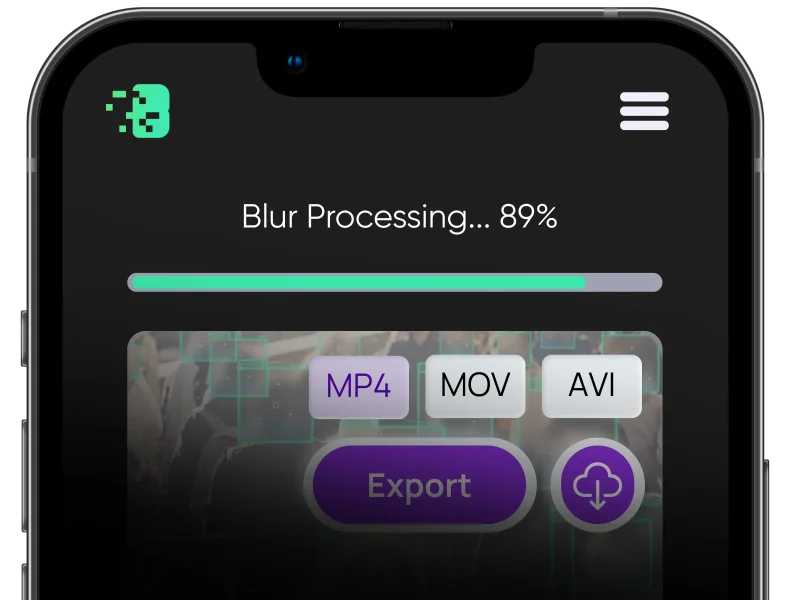
Review your video, then download the result without a watermark. Use your free credits or a one-time credit pack.
Review before sharing
Blurring can help limit the identifying details you share. Check the full file and the requirements that apply to your use.
Encrypted connections
HTTPS/TLS protects connections to Studio and file transfers.
Cloud infrastructure
Contact us for details about hosting and processing before uploading files with specific handling requirements.
Check your settings
Review the storage and deletion conditions for your plan and processing mode.
Yes, you can get started with free credits and export without a watermark. Check the current limits in Studio. If you need more credits, choose a one-time credit pack; a subscription is optional.
Yes. YouBlur tracks detected faces across frames so the blur follows their movement. Review fast turns, faces entering the shot and moments when someone passes behind an object, then adjust the mask where needed.
YouBlur runs in your browser, with no editing app to install. Upload an MP4, MOV or WebM clip, review the face tracking and export. Follow our guide to blurring faces on mobile for the workflow.
Yes. Detect and blur multiple faces in the same clip, and add license plate blur for street or dashcam footage. Review each tracked area before sharing the video.
Your video may be uploaded to servers during processing or export. Review our privacy policy and confirm any storage or handling requirements before uploading sensitive footage.
Tools for editing photos and videos in your browser.
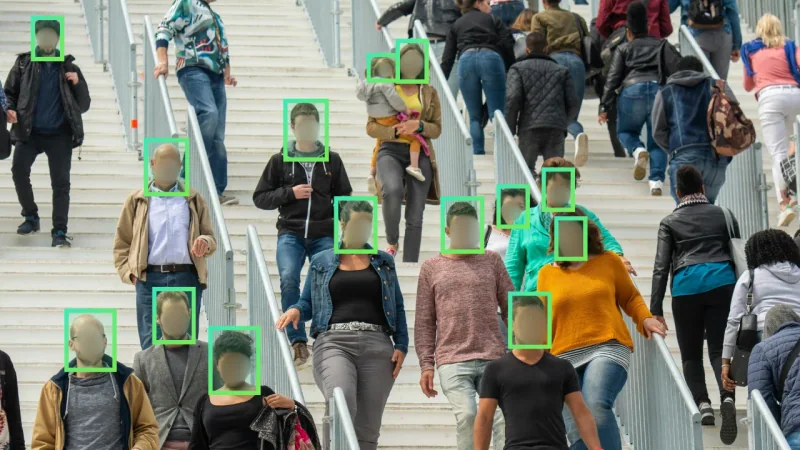
 Before
Upload your clip, review the tracking and export without a watermark. Free credits included. No subscription required.
Start for freeWatch the face blurring video walkthrough (English)
Blur faces in video with AI detection, review the tracking, and export a copy for interviews, street footage, or social media.
Identify everyone who should be hidden before editing. A person in the background can be as identifiable as the main subject. Decide which faces to keep visible, then review the AI suggestions in Studio.
Replay entrances, exits, profile views, and moments when someone passes behind an object. Check fast motion and scene cuts. Adjust the masks (the areas covered by blur) where needed and review the exported file before sharing it.


