












Privacy
Review before sharing
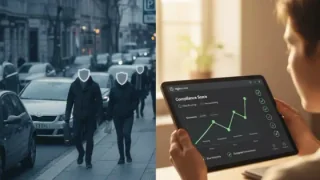
Blurring can help limit the identifying details you share. Check the full file and the requirements that apply to your use.


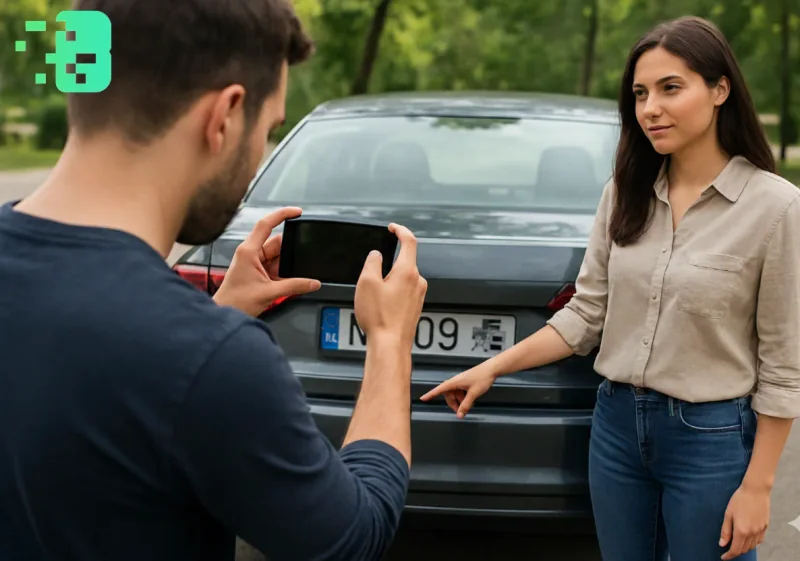
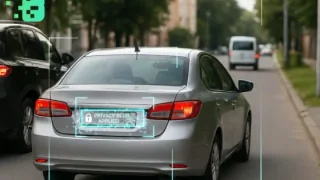
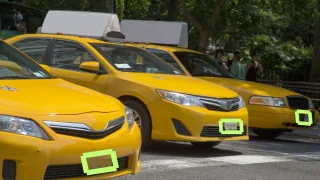
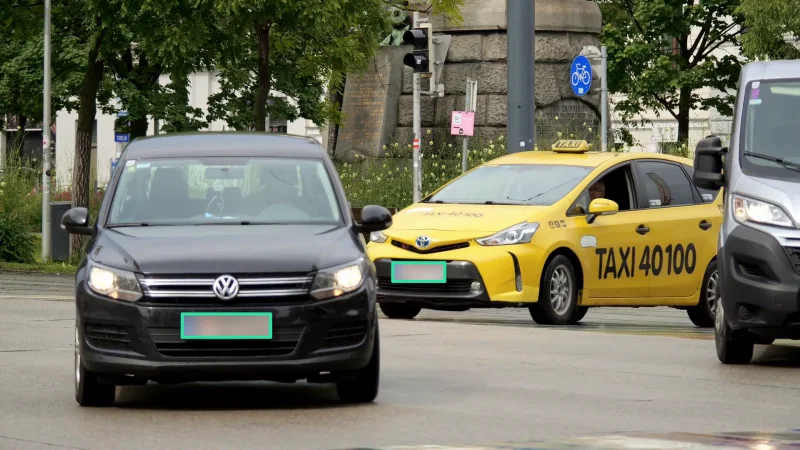
Detect and track license plates in dashcam footage, parking lot videos, and car listings. Review the tracking and adjust the blur before exporting.

365,403 photos and videos processed
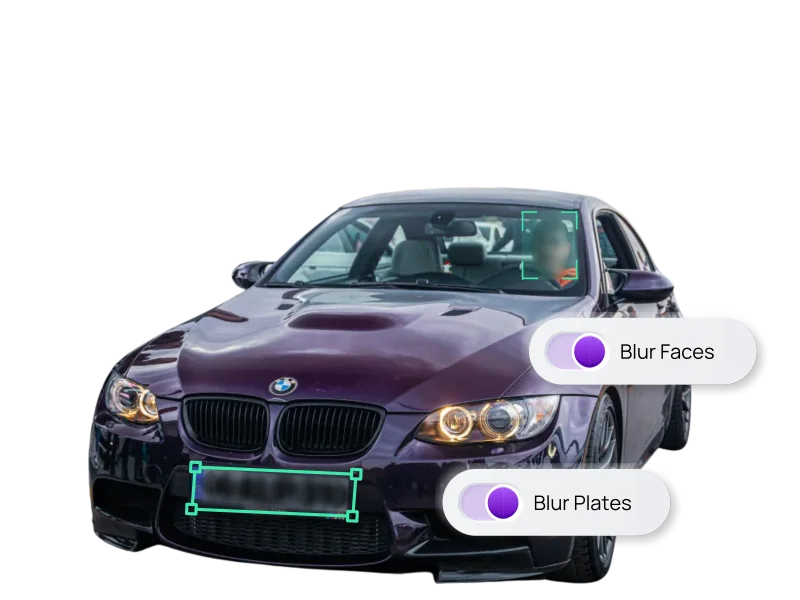
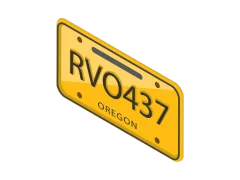
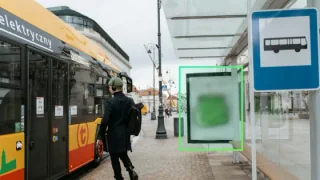
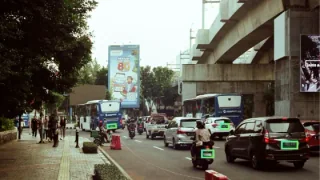
AI detects license plates and tracks their movement. Check angled, distant, or partly hidden plates, and adjust the blur on the timeline.
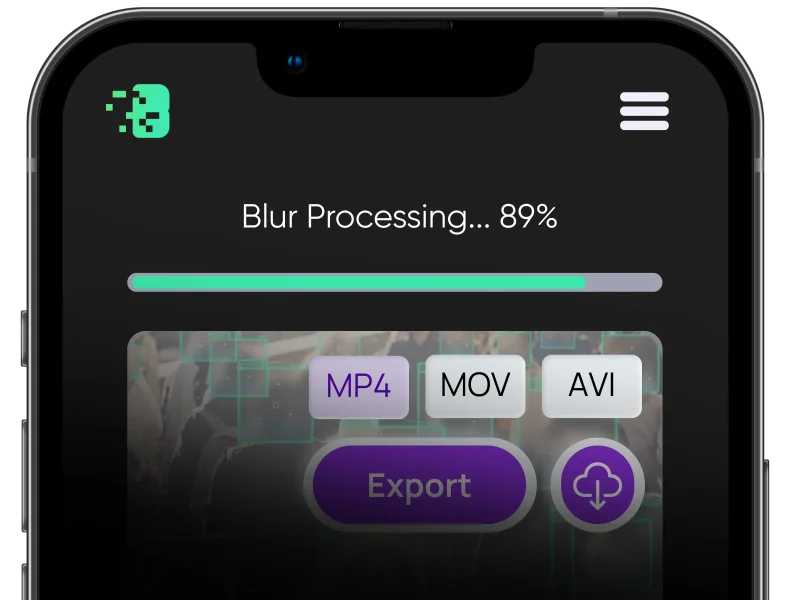
Download a clean video with plates blurred, ready to publish or share.
Review before sharing
Blurring can help limit the identifying details you share. Check the full file and the requirements that apply to your use.
Encrypted connections
HTTPS/TLS protects connections to Studio and file transfers.
Cloud infrastructure
Contact us for details about hosting and processing before uploading files with specific handling requirements.
Check your settings
Review the storage and deletion conditions for your plan and processing mode.
You can try it with free credits and export without a watermark. Check the current file limits and credit allowance in Studio.
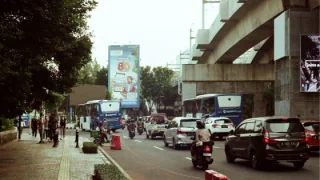
YouBlur tracks detected license plates as vehicles move. Review fast motion, turns, and any moment when a plate is partly hidden, including in dashcam footage.
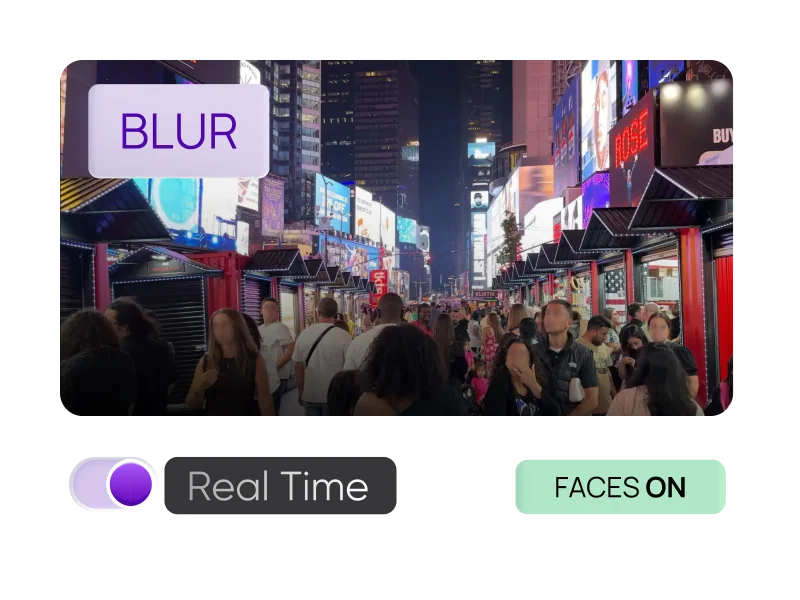
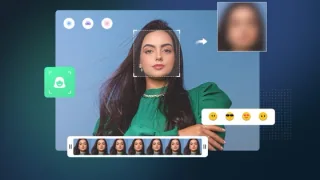
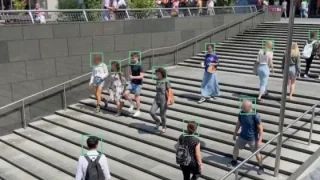
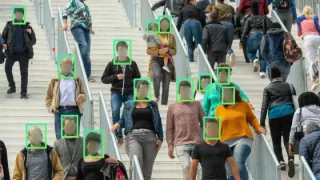
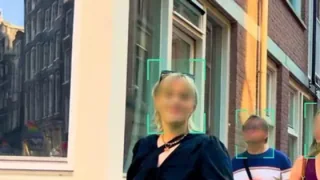
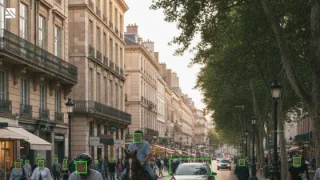
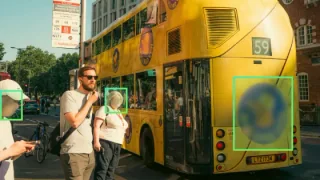
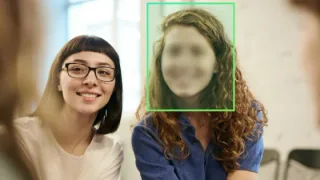
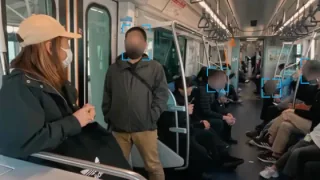
Yes. You can detect faces and license plates in the same video. Review both sets of blur areas before exporting.
No. Everything runs online in your browser, from a computer, tablet, or phone.
Blurring helps limit the identifying details visible in dashcam footage, car listings, or social posts. Check the full video for other details you may need to hide before sharing.
Tools for editing photos and videos in your browser.
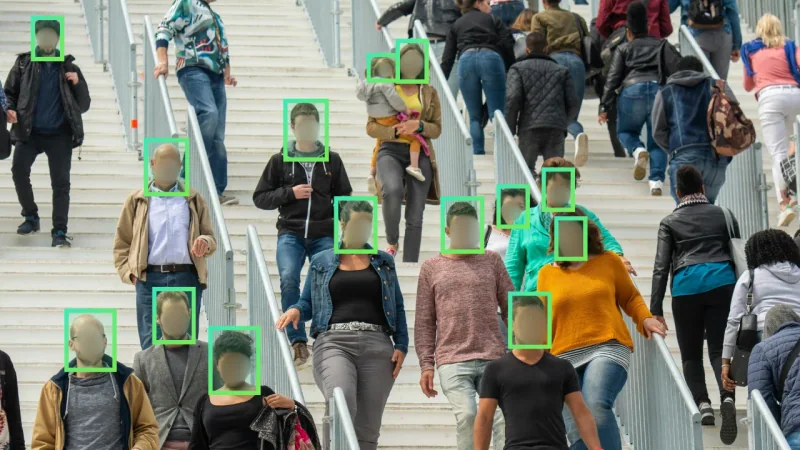
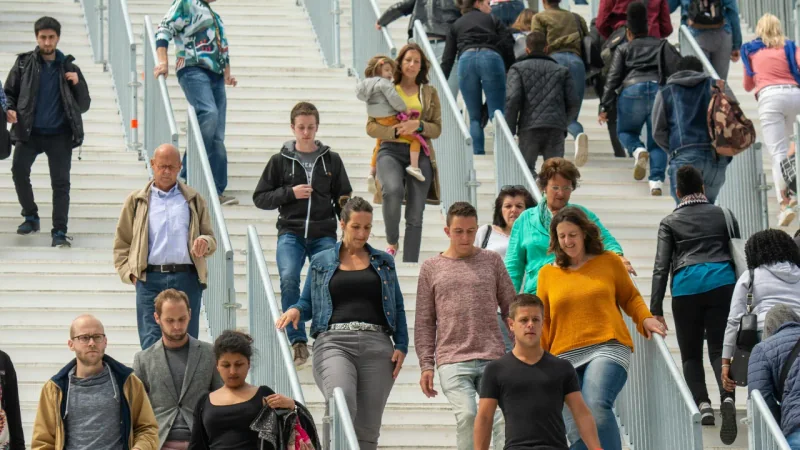 Before
Automatic plate detection and tracking in one online tool.
Start for freePrepare dashcam footage, parking lot videos, and car listings with license plate blur and a careful export review.
Look for plates on passing cars, parked vehicles, and reflections. Review small or distant plates manually; detection can miss a plate that is angled, partly hidden, or affected by motion blur.
Check that a mask covers the plate as the vehicle moves, turns, or leaves the frame. Recheck scene cuts and the final export. Face blurring and plate blurring address different details, so review both when people appear.