


Privacy
Review before sharing
Blurring can help limit the identifying details you share. Check the full file and the requirements that apply to your use.


Find names, contact details, identifiers and confidential areas. Review every mask in YouBlur Studio, then export a copy made for disclosure.


OCR helps locate sensitive text. Manually select signatures, photos, tables and confidential graphic areas too.

Check the covered areas, flatten the result and export a redacted copy ready for controlled sharing.
Review before sharing
Blurring can help limit the identifying details you share. Check the full file and the requirements that apply to your use.

Encrypted connections
HTTPS/TLS protects connections to Studio and file transfers.

Cloud infrastructure
Contact us for details about hosting and processing before uploading files with specific handling requirements.

Check your settings
Review the storage and deletion conditions for your plan and processing mode.
Cover text, faces, signatures, case numbers, contact details and any manually selected area.
A proper redaction export must remove or flatten the affected layer rather than add a decorative rectangle. Always verify the exported copy before disclosure.
Yes. Scans are handled as page images and OCR helps locate visible text before your manual review.
No. YouBlur provides detection and masking tools. You remain responsible for deciding what information can be disclosed.
The CTA opens YouBlur Studio, where document redaction sits alongside the other anonymization tools.
Tools for editing photos and videos in your browser.
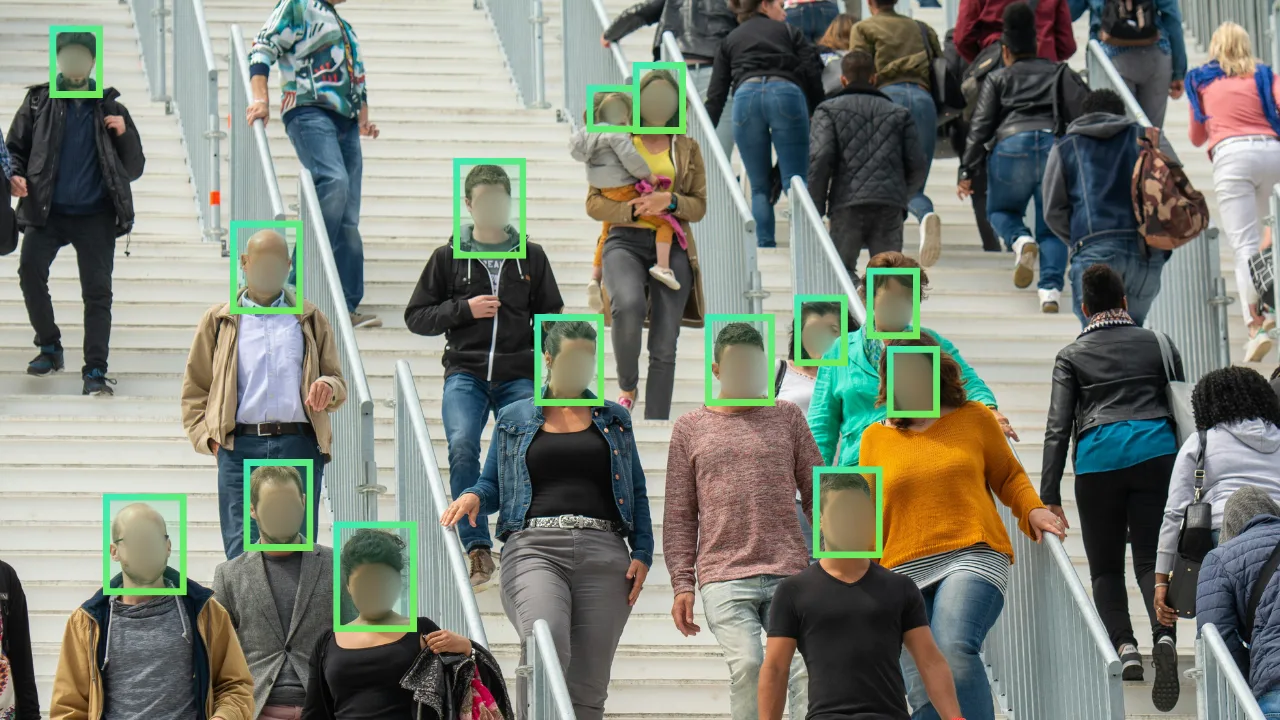
 Before
Open the document in YouBlur Studio, review the redaction and export a disclosure-ready version.
Start for free


