


Censor a photo online—in seconds with AI
Blur, pixelation, or solid masks with AI-assisted detection—same YouBlur Studio workflow; this page targets the "censor photo online" search intent.
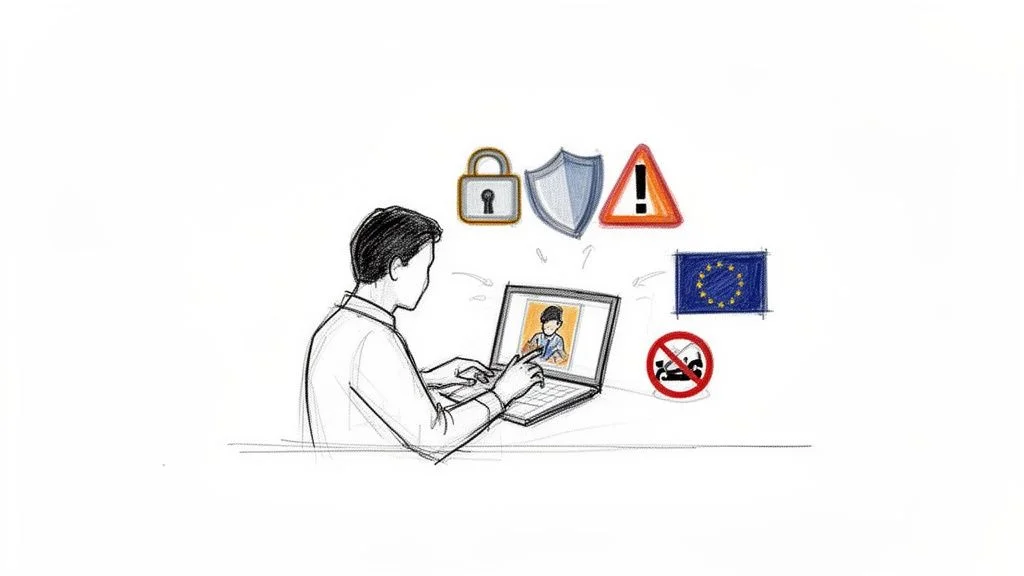
Full guide (EN): How to censor a photo online — practical guide (blur vs pixelation vs solid masks, GDPR vendor checks, batch & API). This service page summarizes YouBlur Studio for the "censor photo online" intent.
Censor photos online with AI
Just want the tool? Open censor a photo online — AI detection, blur, pixelation or black bar, no watermark.
Only need to hide faces? The free blur face online tool detects them automatically — no watermark, full-quality export.
There is a responsible way to censor photos online: use real redaction—blur, pixelation, or solid masks—with AI-assisted detection for faces and plates. YouBlur runs in the browser so you can publish faster without hand-drawing every box [1].
- ✓ Blur, pixelation, or solid masks per region
- ✓ AI suggests detections; you refine before export
- ✓ Fits common image workflows in Studio
- ✓ Batch & API for teams (see the blog guide)
- ✓ GDPR-minded: confirm vendor terms before sensitive uploads
Start from blur photo online, compare pricing, browse our blog, and read the long-form censor photo online guide for method trade-offs.
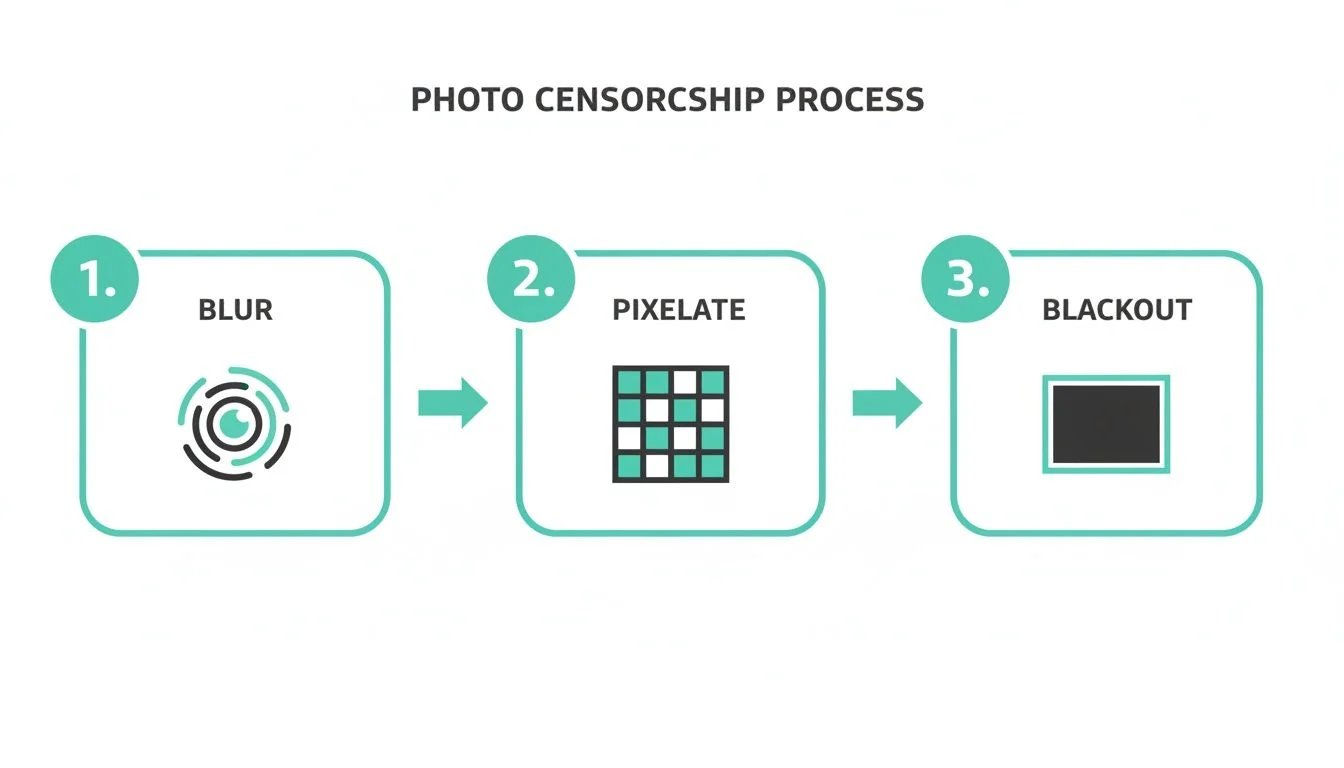
Three ways to censor a photo
Blur keeps a softer look. Pixelation increases anonymity. Solid masks maximize redaction when identity must not survive reconstruction.
Why censor photos online? (Use cases)
Photo privacy matters for marketing, journalism, and public-sector releases. Regulations such as GDPR expect lawful handling of identifiable data in images [1] [4].
Marketing and events
Background crowds and signage often need redaction before ads or social posts go live.
Journalism
Protect sources and bystanders while keeping the story readable [8].
Platforms
Major networks enforce privacy expectations on identifiable people in stills [3].

How it works in YouBlur Studio
Your image moves through upload → AI-assisted redaction → export, with review in between.
Upload your image
Your action: Bring the photo you want to redact into YouBlur.
Formats: JPG, PNG, WebP, and other common still formats in Studio.
Detect and refine
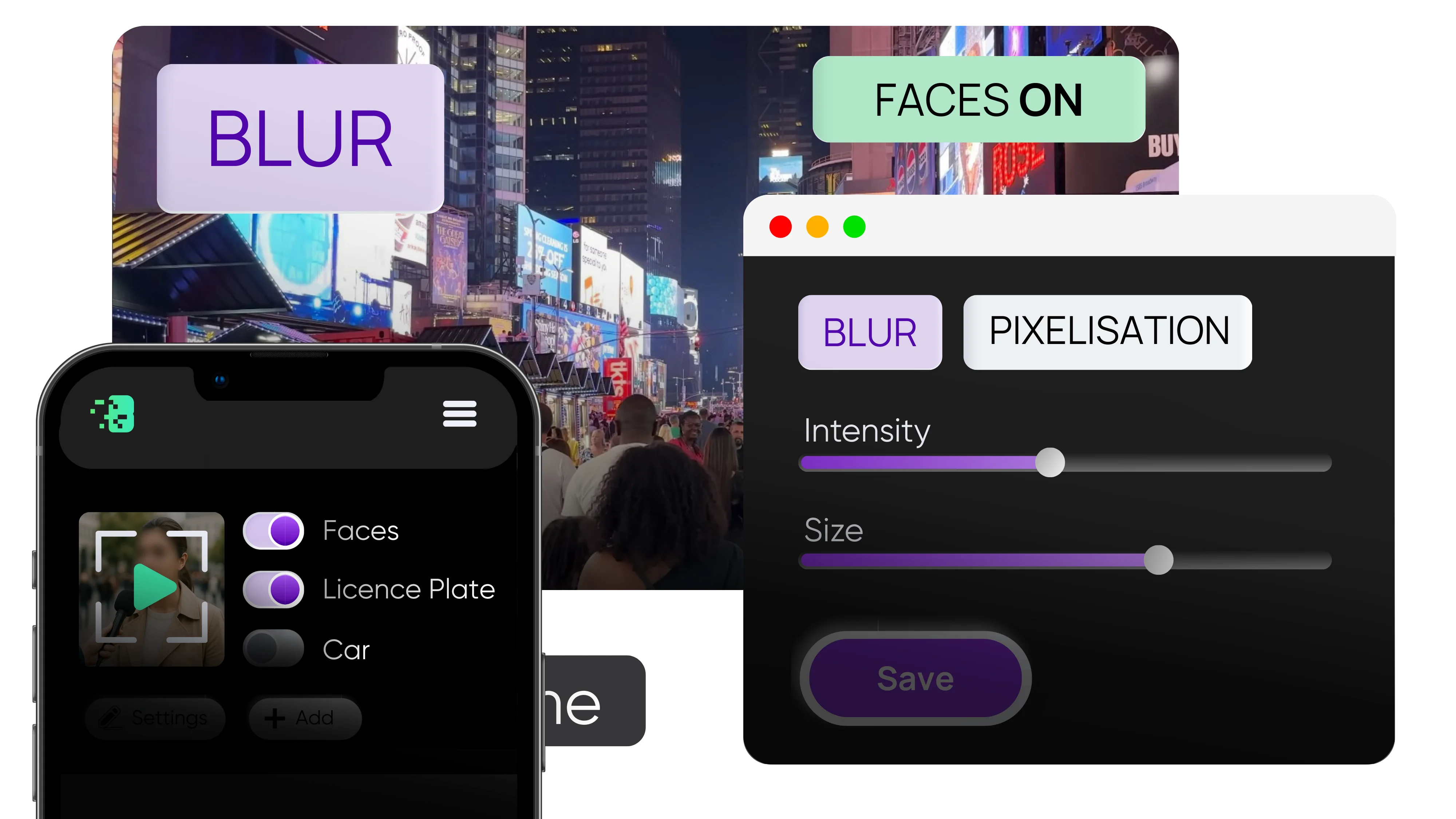
Automatic: Suggested regions for faces and plates.
Adjust method and intensity, remove false positives, then lock the look you need.
Download your redacted image
Result: A file ready to publish or archive.
Export with redaction baked into pixels for the delivered asset.
Redact photos before you publish
Start with AI-assisted censoring today. Free trial available in Studio.
Start for freeKey features
Detection-assisted redaction
Suggested masks for faces and plates; you stay in control before export.
Multiple methods
Blur, pixelation, or solid masks depending on risk and aesthetics.
Built for privacy workflows
Designed for teams that need repeatable redaction—not one-off filters.
Frequently Asked Questions
A: YouBlur supports common formats like JPG, PNG, and WebP; check Studio for the latest list. If yours is missing, contact support.
A: Most single photos finish in seconds to a minute depending on resolution and detections.
A: Yes. Pick the method that matches your risk level—blur for aesthetics, pixelation for stronger anonymity, solid masks for maximum redaction.
A: Files are processed on secure infrastructure and deleted after download per product policy. Review the latest privacy terms before uploading sensitive material.
A: Yes. Review AI suggestions, remove false positives, and fine-tune intensity or method before export.
References
- [1] European Union. General Data Protection Regulation (GDPR), Regulation (EU) 2016/679. https://gdpr-info.eu/
- [2] UK Information Commissioner's Office (ICO). Guidance on video surveillance (including CCTV). https://ico.org.uk/...
- [3] YouTube Help. Privacy Guidelines. https://support.google.com/youtube/answer/7671399
- [4] California Legislature. California Civil Code 1798.100 (CCPA/CPRA). https://leginfo.legislature.ca.gov/...
- [5] Blur.me. Best Face Blur Tool and Privacy Protection. https://www.blur.me/blog/best-face-blur-tool-privacy-protection/
- [6] Wondershare Filmora. Blur Face in Video Online Guide. https://filmora.wondershare.com/ai-efficiency/blur-face-in-video-online.html
- [7] U.S. HHS. HIPAA Privacy Rule. https://www.hhs.gov/hipaa/
- [8] Reuters Institute. Digital Journalism Ethics: Privacy and Source Protection. University of Oxford, 2023.
Blur faces and license plates with YouBlur
Try AI detection and review the results with free credits.Free credits to get started.
Start for freeOnline editor · File limits depend on your plan